Split PDF
Split a single PDF into several files by picking exactly where each new file should start.
Upload OR Drag Files
Supports PDF
or click here and press Ctrl+V / ⌘+V to paste a file

Click the gap between two pages to add or remove a split point.
Select the pages you want to pull into a new PDF.
For example 1-3, 7
Processing Document
Initializing task...
This task could not be finished.
Completed!
Your File is Ready to Download.
Privacy Guaranteed
Your files are processed securely and this download link will expire automatically after a few days.
Share this File
Love this tool? Work faster with our Chrome Extension
Access all 62 tools instantly with keyboard shortcut Ctrl+Shift+P
Rate this tool
How would you rate your experience with Split PDF?
Be the first to rate this tool
How to Use Split PDF
Fast, private, and 100% free with no account creation or file size restrictions.
1. Upload Files
Drag and drop your file into the secure dropzone above, or browse directly from your phone, tablet, or desktop.
2. Configure & Process
Adjust options, arrange pages, set password protection or compression quality, and click the convert button.
3. Instant Download
Save the resulting file immediately. All files are encrypted and automatically deleted from our servers within 48 hours.
Discover More
Explore Other PDF Tools
Professional PDF Utility
Professional PDF Utility
Professional PDF Utility
Professional PDF Utility
Professional PDF Utility
Professional PDF Utility
Professional PDF Utility
See every PDF tool
From the Blog
Related Blogs
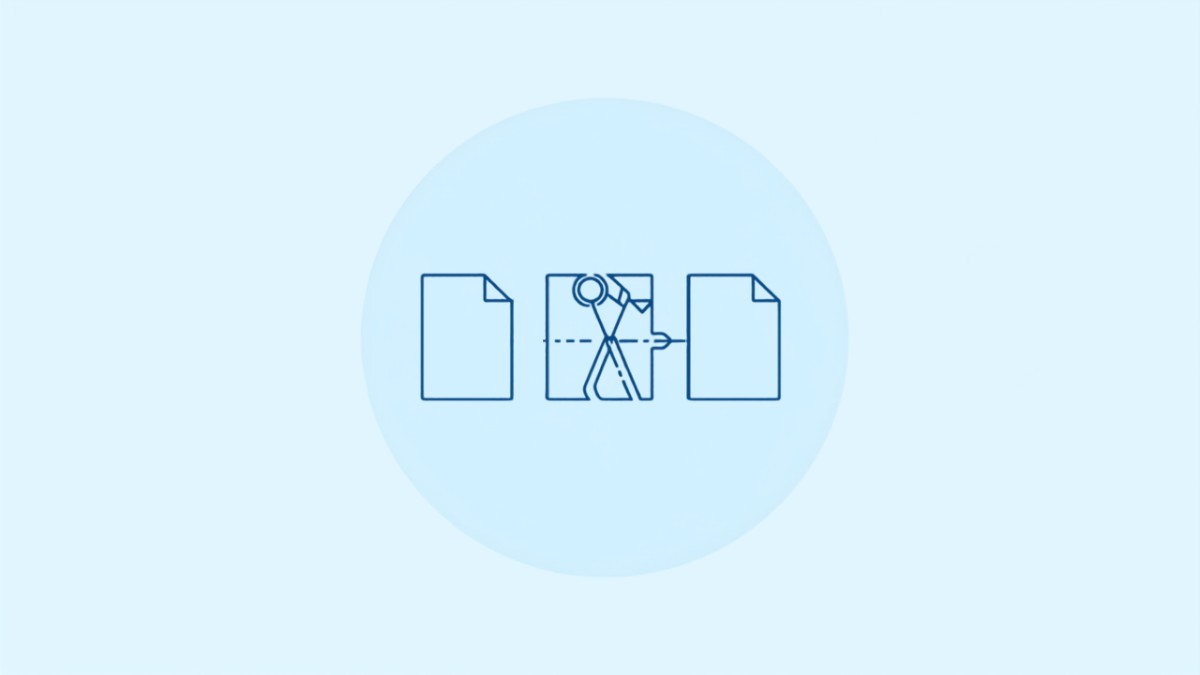
Split One PDF Into Several Files
Choose exactly where to cut using page thumbnails, then download every part.
Upload Your PDF
Upload the PDF you want to split. We generate a thumbnail of every page so you can see exactly what you're working with.
Mark Where to Cut
Click between any two page thumbnails to mark a split point. Add as many split points as you need.
Download the Parts
We split your PDF at every point you marked and package each resulting file into a zip, ready to download.
Built Around Page Thumbnails, Not Guesswork
Everything you need to divide a PDF exactly where you want.
Private Processing
Your file is uploaded over an encrypted connection and removed from our servers shortly after the split finishes.
Fast Processing
Splitting happens on our servers in seconds, no matter how many split points you add.
Exact Page Ranges
Pick precisely which pages belong in each output file using visual page thumbnails instead of typing page numbers.
Unlimited Usage
No file limits and no subscriptions. Split as many PDFs as you need at no cost.
Visual Page Thumbnails
See every page of your document before deciding where to split, so there's no guessing which page number is which.
Cross-Platform
Works in any modern browser on Windows, Mac, Linux, and mobile devices, with no software to install.
Who Splits PDFs
Common reasons people divide a PDF into smaller files.
Paralegals
Rachel has a scanned 200-page case file and needs to separate it into individual exhibits before filing each one.
Teachers
Sam scanned an entire workbook at once and wants to split it into a separate PDF for each week's worksheet.
Finance Teams
Omar receives one combined PDF of invoices from a vendor each month and splits it so each invoice can be filed separately.
Frequently Asked Questions
How do I choose where the PDF gets split?
After uploading, you'll see a thumbnail of every page. Click between any two pages to mark that as a split point, and add as many as you need.
How many files will I end up with?
You'll get one file for every split point you mark, plus one. For example, marking two split points produces three separate PDF files.
What format do I get the split files in?
All parts are downloaded together in a single zip file, with each part as its own PDF.
Will splitting affect the quality of my pages?
No. Each page is copied into its new file exactly as it appeared in the original, with no re-encoding of text or images.
Is my file kept private?
Yes. Uploaded files are processed automatically and removed from our servers shortly after. We never share or inspect your documents.
Is Split PDF free to use?
Yes. There is no cost, no subscription, and no account required. Split as many files as you need.
Can I split a PDF on my phone?
Yes, the tool is fully responsive and works in any modern mobile browser on iOS and Android.
Is there a limit on how many split points I can add?
No. Add as many split points as your document has pages for, as long as at least one page ends up in each resulting file.